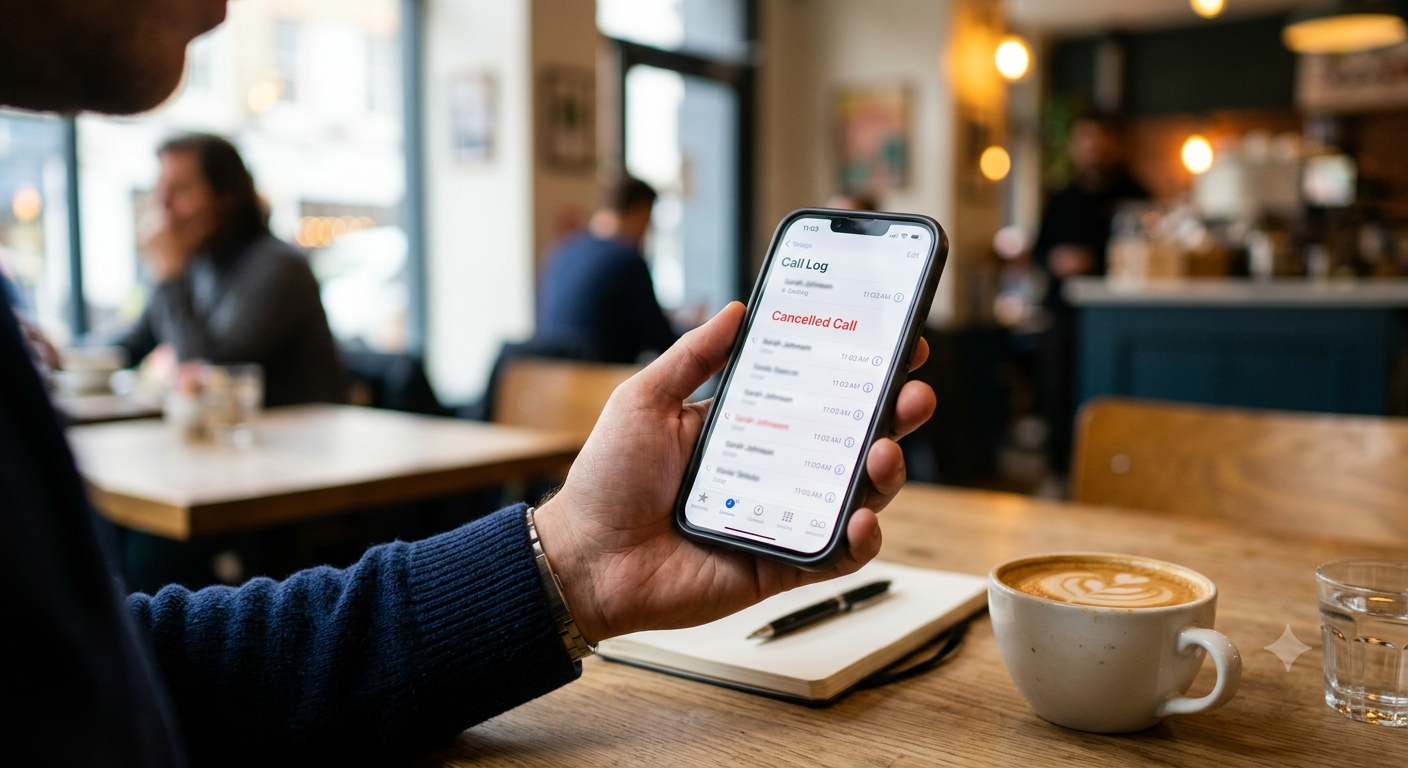
Have you ever checked your iPhone call history and noticed the words “Cancelled Call” next to a phone number? If so, you might wonder whether the other person received your call, declined it, or blocked your number. The good news is that a cancelled call is usually nothing to worry about. It generally means an outgoing call attempt ended before the call was answered or fully connected.
Understanding what does cancelled call mean on iPhone can help you interpret your recent calls correctly and avoid unnecessary confusion. Although quickly ending a call is a common reason for this status, network problems and other technical issues can also interrupt calls. This guide explains the meaning, common causes, differences between call statuses, and practical troubleshooting steps.
What Does Cancelled Call Mean on iPhone?
A cancelled call on an iPhone generally refers to an outgoing call that ended before a normal conversation was established. For example, you might accidentally tap the wrong contact, start dialing, and immediately press the red end-call button. When you check your recent calls, the attempt may appear as cancelled.
This status does not automatically mean your iPhone has a problem. It also does not prove that the recipient rejected your call or blocked your number. The exact outcome depends on how far the call progressed before it ended.
Apple’s public consumer support documentation does not provide a definitive explanation for every circumstance in which this specific label appears. Therefore, it is best to treat “Cancelled Call” as a useful indication of an interrupted outgoing call rather than proof of exactly what happened on the other person’s device.
Why Does a Cancelled Call Appear on an iPhone?
Several situations can cause an outgoing call to end before it connects. Understanding these possibilities makes it easier to determine whether the entry is normal or requires troubleshooting.
You Ended the Call Before It Connected
One of the most common explanations is that you ended the call shortly after dialing. You might have changed your mind, selected the wrong number, or realized that you did not need to speak to the person.
In this situation, your iPhone records the attempt in your call history. A cancelled entry is generally harmless and does not require any action.
Your Cellular Signal Was Weak
A weak cellular signal can prevent your iPhone from establishing a reliable connection. This may happen inside buildings, underground parking areas, elevators, rural locations, or places with limited network coverage.
If the call fails to connect, you may see an interrupted call entry or experience a failed call. However, a cancelled label alone cannot confirm that poor reception was the cause.
A Temporary Network Problem Occurred
Mobile networks occasionally experience congestion, service interruptions, or connection problems. Your phone may begin dialing but fail to complete the process.
If cancelled calls happen repeatedly, check whether other calls work normally. You can also contact your mobile carrier to determine whether an outage or account-related issue is affecting your service.
Your iPhone Experienced a Software Glitch
Occasionally, temporary software issues can affect calling functions. An outdated iOS version, a problem with network settings, or a temporary Phone app issue may contribute to unusual calling behavior.
If the problem occurs frequently, restarting your iPhone and checking for available software updates are reasonable first steps.
Wi-Fi Calling or Cellular Connectivity Was Interrupted
Wi-Fi Calling allows supported iPhones and carriers to place calls over a Wi-Fi connection when the feature is available and configured. If the Wi-Fi connection becomes unstable or the phone switches between available networks, a call may fail to establish.
This does not mean Wi-Fi Calling is necessarily responsible for every cancelled call. If the problem occurs mainly in one location, test a regular cellular call somewhere with stronger reception.
Does a Cancelled Call Mean the Other Person Did Not Receive It?
Not necessarily. This is one of the most common questions about the cancelled call status on iPhone.
If you ended the call almost immediately, the call might not have reached the other person’s device. In that case, they may not receive a call notification. However, if the call reached their phone before you ended it, they might see a missed-call notification.
The important point is that your call history does not always reveal precisely what appeared on the recipient’s screen. The timing, carrier, and stage of the connection can affect the result.
For example, imagine you call a friend and hang up after one second. Your iPhone might record the attempt as cancelled. Whether your friend sees anything depends on whether the call reached their device before it ended.
If you need to confirm whether someone received your call, the most reliable approach is to contact them through another available method rather than relying exclusively on the call-history label.
Does Cancelled Call Mean You Have Been Blocked?
No. A cancelled call is not reliable evidence that someone has blocked your number.
Call blocking can affect how calls behave, but the cancelled status alone cannot establish that blocking occurred. The same entry may appear after an accidental hang-up or an interrupted connection.
If you suspect your number has been blocked, avoid drawing conclusions from a single call attempt. Call behavior can vary because of network coverage, device settings, carrier services, and whether the recipient is available.
You should also respect the other person’s privacy and communication preferences. Repeatedly calling from different numbers to test whether you have been blocked is not a reliable way to establish what happened.
Cancelled Call vs. Missed Call vs. Failed Call
Although these terms may appear similar, they describe different situations.
| Call status | General meaning |
|---|---|
| Cancelled Call | An outgoing call attempt ended before it was fully connected or answered. |
| Missed Call | An incoming call was not answered. |
| Failed Call | A call could not be established or completed successfully. |
| Answered Call | The call connected and was answered. |
| Declined Call | The recipient rejected the incoming call, although the caller’s call history may display a different status. |
These are general explanations rather than guaranteed interpretations of every carrier’s call records. The exact wording and available details can vary by calling service.
The most important distinction is that a cancelled call usually concerns an outgoing attempt, while a missed call usually indicates that someone tried to reach you and you did not answer.
How to Fix Cancelled Calls on iPhone
If cancelled calls appear occasionally after you hang up intentionally, you probably do not need to do anything. However, repeated cancellations that happen without explanation may justify some troubleshooting.
Check Your Cellular Signal
Look at your signal strength and try placing a call from another location. If calls connect successfully elsewhere, the original location may have limited coverage.
Toggle Airplane Mode
Open Control Center, turn Airplane Mode on, wait approximately 10 seconds, and turn it off again. Allow your iPhone to reconnect to the network before trying another call.
Restart Your iPhone
Restarting can resolve temporary software or connectivity problems. After the device starts again, make a test call and see whether the issue continues.
Check for iOS Updates
Open Settings → General → Software Update and install an available update if appropriate. Keeping iOS current can help address known software issues.
Check Wi-Fi Calling
If your carrier supports Wi-Fi Calling, review its settings and test whether calls work better over a stable Wi-Fi connection. You can also compare the results with a regular cellular connection.
Contact Your Mobile Carrier
If outgoing calls repeatedly fail, your carrier can check for service outages, SIM or eSIM problems, account restrictions, and other network-related issues.
As a last resort, you can consider resetting network settings. On current iOS versions, this option is generally under Settings → General → Transfer or Reset iPhone → Reset → Reset Network Settings. Menu wording may vary by version. This action removes saved network settings, including saved Wi-Fi networks and passwords, so try simpler troubleshooting steps first.
When Should You Be Concerned About Cancelled Calls?
A single cancelled call is usually not a cause for concern. It commonly happens when someone ends a call before it connects.
However, investigate further if nearly every outgoing call ends immediately, your iPhone repeatedly displays call errors, or you cannot make or receive calls despite having adequate coverage.
In these circumstances, check your network connection, restart your phone, and contact your carrier if the problem persists. If the device has recently suffered physical or liquid damage, professional inspection may also be appropriate.
Frequently Asked Questions
1. What does cancelled call mean on iPhone?
It generally means an outgoing call attempt ended before the call was fully connected or answered. The label does not identify the exact cause in every situation.
2. Will the other person see a cancelled call?
Not necessarily. If you end the call before it reaches their device, they may not see it. If their phone received the call first, they might see a missed-call notification.
3. Does cancelled call mean the other person declined?
No. A cancelled call does not prove that the recipient pressed the decline button. It usually describes an interrupted outgoing call attempt.
4. Does cancelled call mean I am blocked?
No. The status alone cannot confirm that someone blocked your number. Accidental hang-ups, connection problems, and other circumstances can produce similar results.
5. Why does my iPhone show cancelled calls when I did not hang up?
Possible explanations include an interrupted network connection, temporary software issues, or other calling problems. If this happens repeatedly, test your connection and contact your carrier if necessary.
6. Is a cancelled call the same as a missed call?
No. A cancelled call generally refers to an outgoing call attempt that ended early, whereas a missed call usually refers to an incoming call that went unanswered.
7. Should I delete cancelled calls from my call history?
You can remove them if you want to keep your recent calls organized, but deleting an entry will not fix an underlying connectivity problem. If the entries occur repeatedly, investigate the cause first.
Conclusion
Understanding what does cancelled call mean on iPhone is simple once you know how call statuses work. In most cases, a cancelled call indicates that an outgoing call ended before it was fully connected or answered. This can happen when you hang up quickly, select the wrong contact, or experience a temporary connection problem.
Most importantly, a cancelled call does not automatically mean the other person rejected your call or blocked your number. The label alone cannot tell you exactly what happened on the recipient’s device.
If the status appears only occasionally, there is usually no reason to worry. If your calls repeatedly end unexpectedly, check your signal, restart your iPhone, review your network settings, and contact your mobile carrier if necessary. These steps can help you identify whether the issue is a normal calling situation or a persistent technical problem.